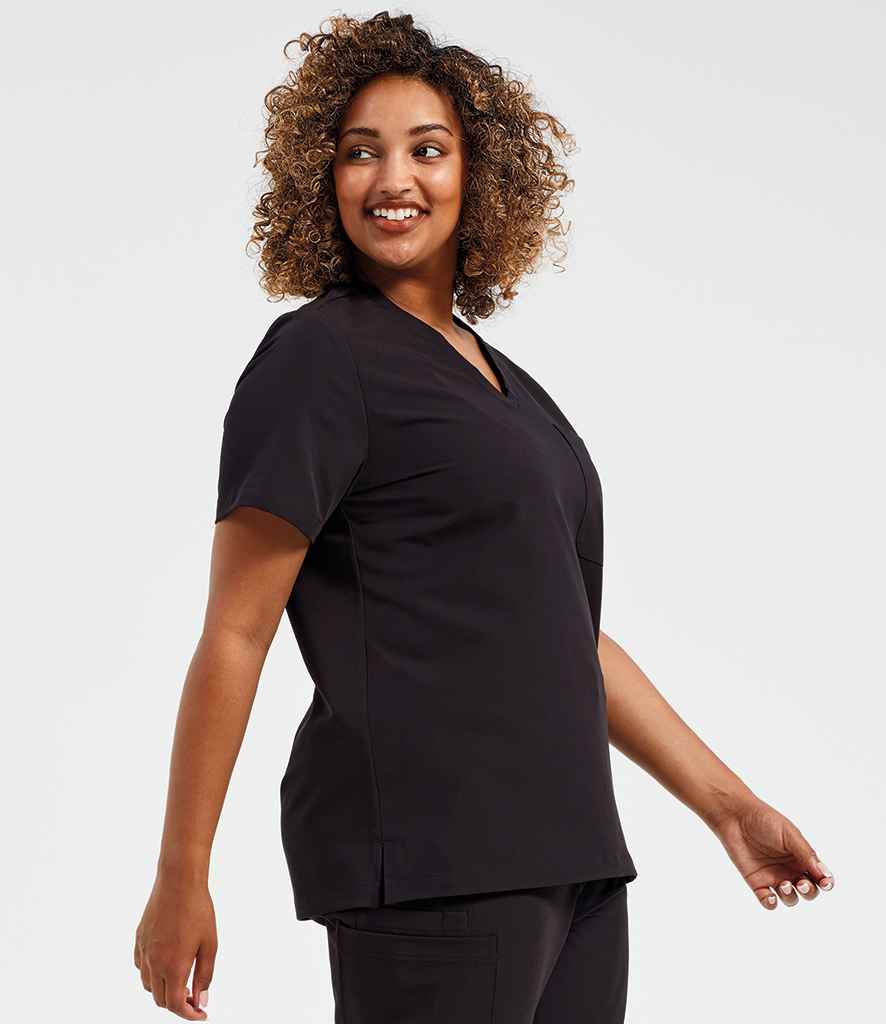
A uniform range needs a specification
Choosing the garments is only the first part of a business uniform programme. If the organisation cannot easily reproduce the same order later, every new starter or replacement request becomes another buying exercise.
Record the product information
For each approved garment, keep the product name, style code, colour and permitted size range. Do not rely only on a product description because names can be similar across brands.
Map garments to staff roles
State which staff roles use each garment. Where several roles use different colours of the same style, record that explicitly.
Document branding
Keep the approved logo file alongside the garment specification. Record embroidery position, approximate size, thread colours and any text such as department, role or employee name.
Set the replacement rules
Decide who can order replacement garments, whether there is an agreed issue quantity and how new starters are handled. This turns uniform buying into a repeatable process.
Keep alternatives controlled
If a core product becomes unavailable, select one approved alternative rather than allowing every site or manager to choose independently.
Already have a specification?
If your existing programme is already documented, send LMU the current supplier and product codes. Our Uniform Switch Service is designed to review an established range without forcing you to start again. Browse the Healthcare collection for the wider LMU proposition.
Fields every specification should contain
- Role or department and approved garment name.
- Manufacturer, product code, colour and available size range.
- Fabric, care instructions and any operational requirements.
- Logo file, thread or print colours, size and placement.
- Approved alternatives and the person authorised to change them.
Add version control
Date the specification and record why each change was made. When a product is replaced, keep the former code in the change history so managers can understand mixed stock during the transition. Remove obsolete ordering links from local documents once the replacement is approved.
Connect the specification to ordering
A specification only helps if buyers use it. Build new-starter, replacement and bulk-order forms around the same product codes and role names. Require approval for anything outside the list rather than allowing a similar-looking garment to become an accidental new standard.
Review with wearers
Use feedback about fit, movement, pockets and laundering to improve the next revision. Use the workwear sizing guide for team orders when a garment or fit changes. Separate isolated preference from repeated operational issues, and confirm any proposed change with a sample before it becomes the new standard.
Include ordering and delivery rules
State minimum order requirements for branding, normal delivery expectations, the address format for each location and who receives proofs or queries. Record whether prices are shown excluding or including VAT and how managers should request a quote for larger changes.
Store the current document somewhere authorised buyers can find it, while restricting edit access to the nominated owner. Archive earlier revisions instead of overwriting the history. When the programme is reviewed, compare actual orders with the specification to identify recurring exceptions and training needs.
A concise specification supported by clear ownership is more useful than a long document nobody maintains, so remove duplication and keep every field connected to an actual ordering decision.